 OMBRIX
How to Listen to Radio Stations and Podcasts on Foot in GTA 6
VerifiedListening to Audio on Foot
In Grand Theft Auto 6, players can tune into in-game radio broadcasts and podcasts while exploring outside vehicles. Both Jason Duval and Lucia Caminos can stream audio directly through their Smartphone.
To listen while walking, characters must own and equip audio gear such as headphones or Earbuds purchased from an electronics retailer.
- Purchase or acquire headphones or Earbuds from an electronics retailer.
- Equip headphones or Earbuds via the Smartphone interface.
- Hold Left on the D-pad while on foot to open the radio wheel.
- Select and tune to any preferred radio station or podcast.
On-Foot Radio Controls
Audio playback controls are mapped directly to the controller for quick tuning on the move.
Holding Left on the D-pad accesses the radio wheel instantly without opening a separate game menu.
FAQ
Can you listen to podcasts while walking in GTA 6?
Yes. Players can stream both radio stations and podcasts on foot using headphones or Earbuds connected to their Smartphone.
Which button controls the radio on foot?
Holding Left on the D-pad opens the radio wheel directly without opening a menu.
Where do you obtain headphones or earbuds?
Headphones and Earbuds can be purchased from an electronics retailer and equipped through the Smartphone interface.
Sources
- News Grand Theft Auto VI review: So good it's criminal
- News 'GTA 6': How to listen to the radio outside of a vehicle
- News 'GTA 6': How to listen to the radio outside of a vehicle
- News Doja Cat Says She is ‘Bitter’ That Her Music is Not in ‘GTA 6’
- GTA Wiki Radio Stations in GTA VI
- GTA Wiki Radio Stations in GTA VI
- GTA Wiki Radio Stations in GTA VI
- GTA Wiki Radio Stations in GTA VI
- GTA Wiki Radio Stations in GTA VI
- GTA Wiki Radio Stations in GTA VI
- GTA Wiki Radio Stations in GTA VI
- GTA Wiki Radio Stations in GTA VI
- GTA Wiki Radio Stations in GTA VI
- GTA Wiki Radio Stations in GTA VI
- GTA Wiki Radio Stations in GTA VI
- GTA Wiki Radio Stations in GTA VI
- GTA Wiki Radio Stations in GTA VI
- GTA Wiki Radio Stations in GTA VI
- GTA Wiki Radio Stations in GTA VI
- GTA Wiki Radio Stations in GTA VI
- GTA Wiki Radio Stations in GTA VI
- GTA Wiki Radio Stations in GTA VI
- GTA Wiki Radio Stations in GTA VI
- GTA Wiki Radio Stations in GTA VI
- GTA Wiki Radio Stations in GTA VI
- News GTA 6 unveils star-studded soundtrack and celebrity radio hosts
- News GTA 6 — GTABase (обновление)
- News GTA 6 phone apps explained: what we know about Peekhole before launch
- GTA Wiki Radio Stations in GTA VI
- News 99 Incredible Little Details in Grand Theft Auto 6
- News ‘GTA 6’ Music Breakdown: More Than 700 Songs and 90 Years of Music Across 20 Radio Stations
- News Players find nearly 750 tracks across 20 radio stations in GTA 6 — Variety
- News GTA 6 features nearly 750 songs across 20 radio stations
- GTA Wiki Radio Stations in GTA VI
- GTA Wiki Radio Stations in GTA VI
- GTA Wiki Radio Stations in GTA VI
- GTA Wiki Radio Stations in GTA VI
- GTA Wiki Radio Stations in GTA VI
- News GTA 6 Radio Songs List: Every song in the game and where to find the playlist to listen to them
- GTA Wiki Radio Stations in GTA VI
- GTA Wiki Radio Stations in GTA VI
- News Weird Al Yankovic's GTA 6 Role Explained
- GTA Wiki Radio Stations in GTA VI
Found something new or wrong? Tell us in our Discord.
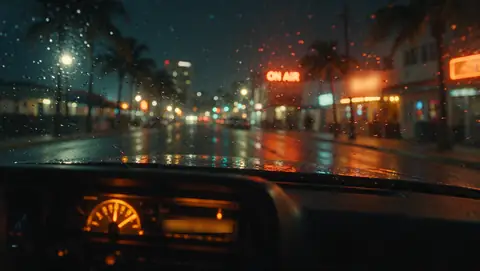 Radio & music
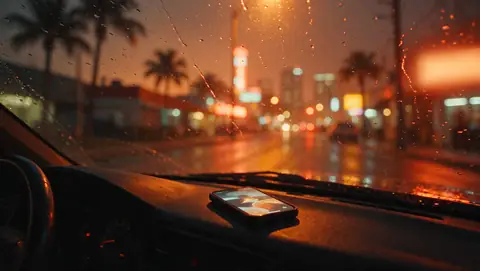 Gear