 OMBRIX
How to Lock First-Person Mode in Vice City
VerifiedSettingsSettingsTipSettingsPS5
The short versionA controller settings glitch allows players to explore Vice City and aim weapons locked in first-person mode. The trick requires remapping the touchpad and closing the phone inside any vehicle.
How to Enable First-Person View
A configuration trick locks the camera into a full first-person perspective while on foot and during combat across Vice City.
- Open Settings, select Controller, and set Touch Pad Button to Camera.
- Get into the driver's seat of any vehicle.
- Press Up on the D-pad to bring up the in-game phone.
- Rapidly press Circle and the Touchpad button while closing the phone to force first-person view.
- Exit the vehicle to play in first-person view.
How to Return to Normal View
The camera will remain locked in first-person mode after leaving the vehicle. Reverting to third-person requires reloading a save.
FAQ
Can you aim weapons while using this glitch?
Yes, the glitch permits full weapon aiming while locked in first-person mode.
How do you cancel the first-person lock?
Reverting to third-person requires reloading a save.
Sources
Found something new or wrong? Tell us in our Discord.
 Map of Vice City
 Map of Vice City
 Cars & vehicles
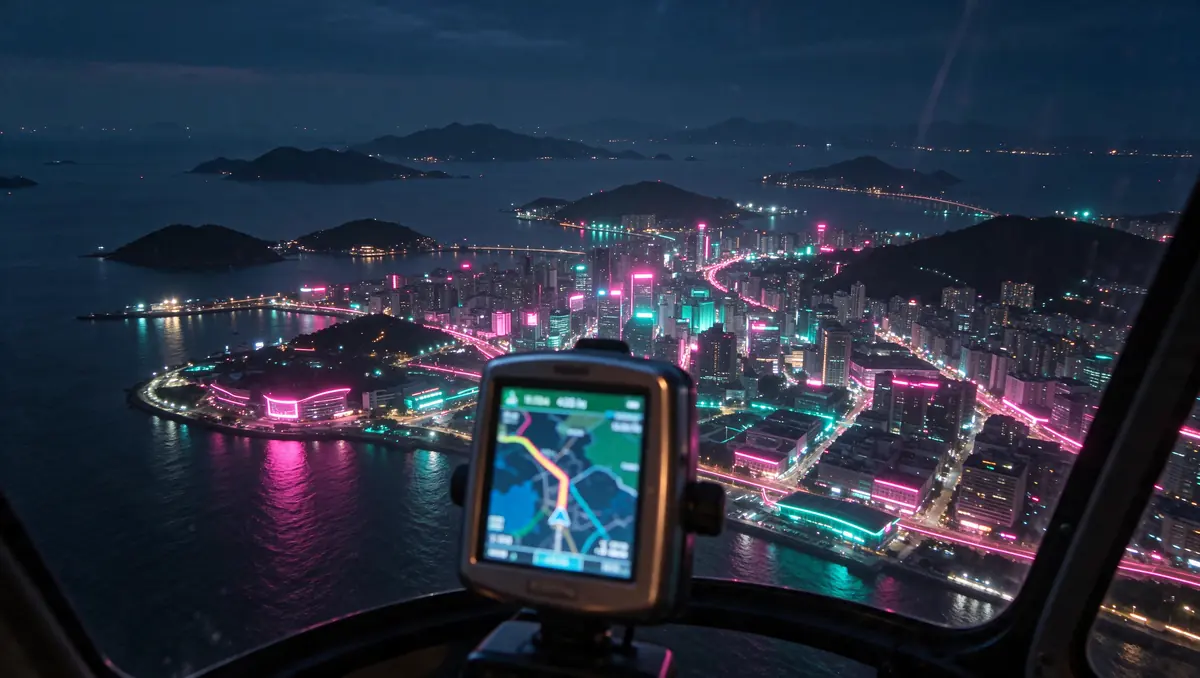 Map of Vice City
 Missions (no spoilers)
 Cars & vehicles
 Make money
 Cars & vehicles