 OMBRIX
How to Inspect Collectible Cards in GTA 6
VerifiedThe short versionInspecting a collectible card presents on-screen options to display text, flip the card over, or put it away.
Card Inspection Options
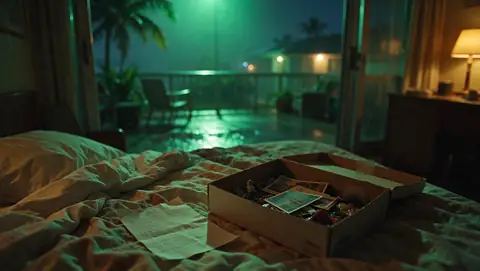
When examining a collectible card, the game provides direct on-screen prompts to interact with the item.
- Choose the display text option to read the card.
- Flip the card to view the opposite side.
- Select the prompt to put the card away.
FAQ
What options appear when viewing a collectible card?
You can display text, flip the card, or put it away using on-screen commands.
Sources
- OMBRIX Verified in our own gameplay analysis
Found something new or wrong? Tell us in our Discord.
 Collectibles